Find real prompts your buyers ask AI, then add them to tracking.
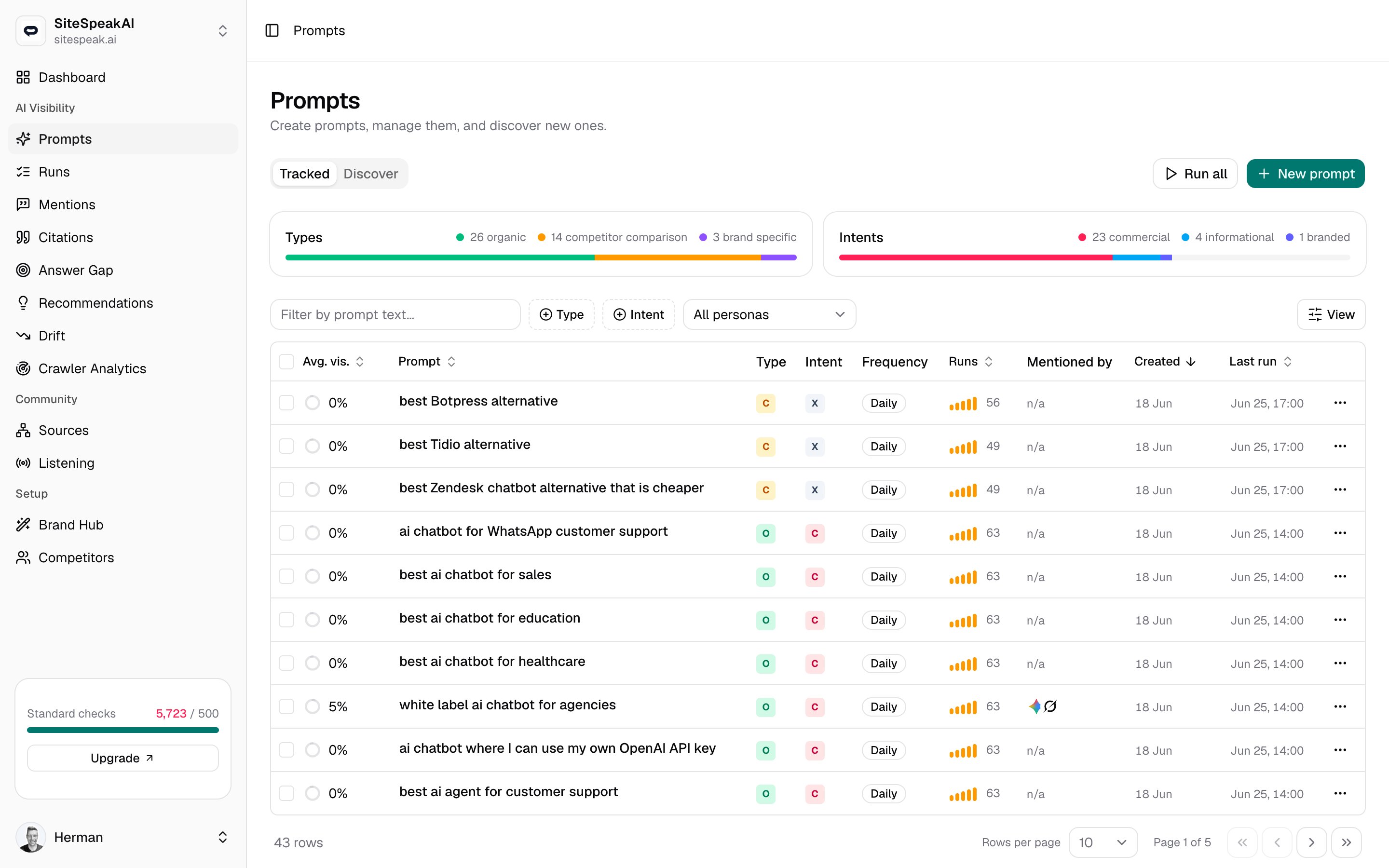
The Discover tab surfaces real prompts people ask AI in your space, so you can grow your tracked list without guessing what to write. Generate suggestions from a source, review them, then add the ones worth tracking or dismiss the rest.
Go to Prompts in the AI Visibility group, then click the Discover tab. The neighbouring Tracked tab is your live prompt list, the one that runs on a schedule and feeds your visibility stats.
Discover works against the website you have selected. If no website is active, you’ll be asked to switch to a website or add one before you can generate suggestions.
Pick the source that fits what you already have, a topic, a search query, or a page you want AI to surface.
Manual Search
People also asked
From website page
Enter a topic or query you want to rank for, and MentionScout expands it into buyer-style prompts. Good when you know the space but not the exact wording people use.Example input: ai chatbot for ecommerce
Enter a Google query, and MentionScout turns its People also asked and related questions into suggested prompts. Use the country selector to match the market you care about (it defaults to the United States).Example input: best crm software
This source can be temporarily unavailable. When it is, you’ll see a short message and can switch to Manual Search or From website page instead.
Enter a full page URL. MentionScout reads its title, description, and content, then suggests prompts that page could surface for. Useful for finding prompts tied to a specific product or landing page.Example input: https://example.com/product
Enter a complete URL including https://. A partial address is rejected with a reminder to enter a full URL.
Click the source that matches your input. Switching tabs clears the input field.
2
Enter your input
Type your topic, search query, or page URL. For People also asked, also choose a country.
3
Click Find prompts
The button shows Finding… while it works, then new suggestions appear below with a running count of how many were found.
MentionScout skips anything you already track or have already been suggested, so each search returns only genuinely new prompts. If a search turns up nothing new, you’ll see a message to try a different query or source.
Each suggestion is a card showing the prompt text plus two badges: the source it came from (Seed, People also asked, or Website page) and its type (for example organic).
Add to tracking
Click Add to start tracking the prompt. It joins your Tracked list and runs on every AI provider you have connected.
Dismiss
Click the X to dismiss a suggestion you don’t want.
Dismissed suggestions don’t come back, and prompts you already track are filtered out too. Running the same search later only surfaces prompts you haven’t seen yet, so you can keep mining a source over time.
Added prompts behave like any other tracked prompt. Open the Tracked tab to set their run frequency, adjust providers, or exclude branded ones from your visibility score.