

Where competitors live
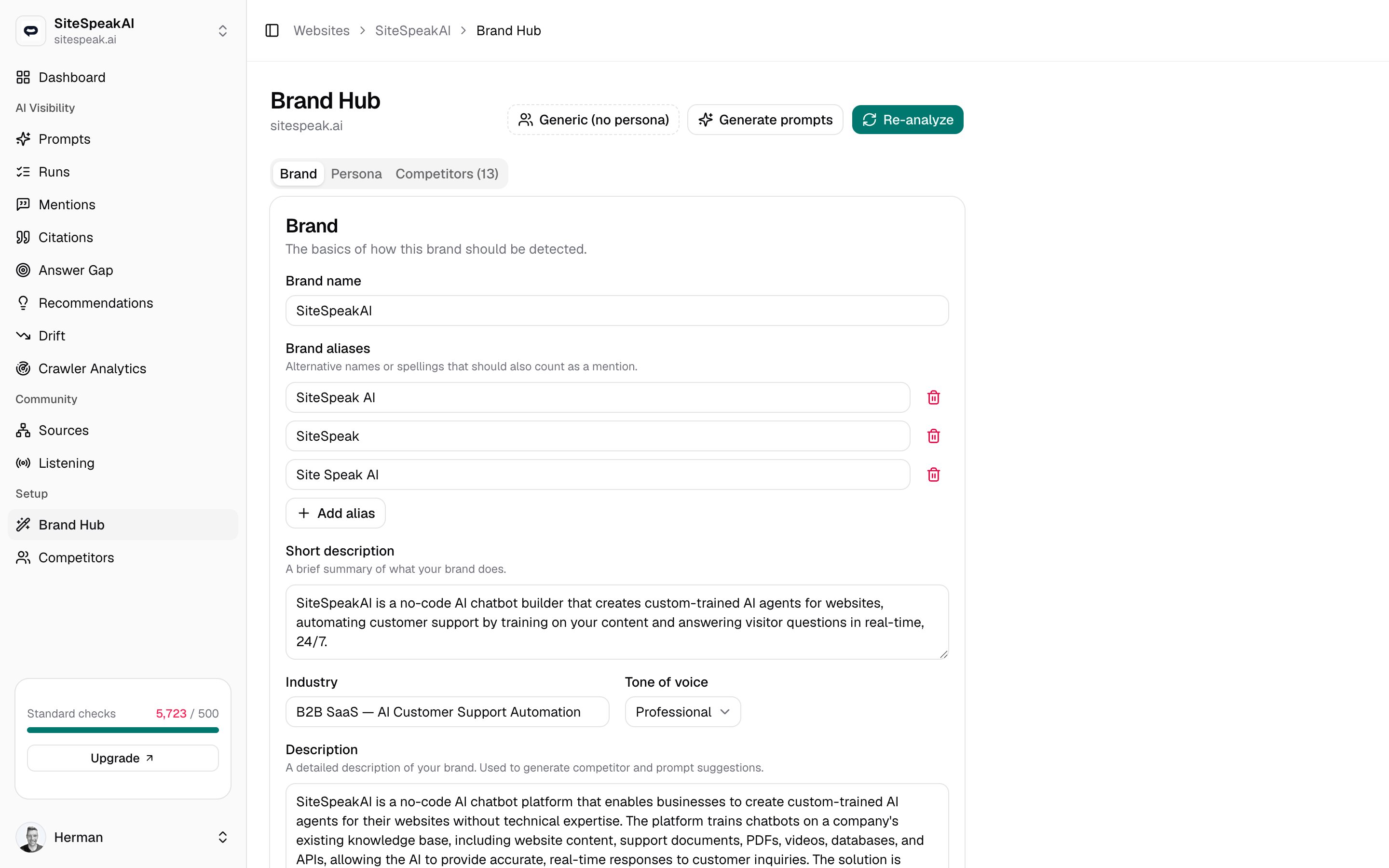
Competitors are part of your brand configuration, so you manage them on the Competitors tab inside Brand Hub. Open Brand Hub for a website, then select the Competitors tab. The tab label shows the current count, for example Competitors (5). MentionScout proposes an initial list automatically during brand analysis, so the tab is rarely empty after onboarding. From there you refine it: add the rivals you care about and remove the ones you do not.Competitors are scoped to a single brand. Each website has its own competitor list.
What competitors power
The brands on this list are detected alongside your own whenever MentionScout reads an AI answer. That comparison feeds several views:Competitor visibility heatmap
The dashboard heatmap shows, at a glance, each brand’s visibility on every AI model.
Share of voice
See how much of the AI conversation you own versus each competitor.
Answer gap
Find prompts where a competitor is named but you are not.
Let MentionScout suggest competitors
The fastest way to build the list is to let the app propose rivals based on your brand.Click Suggest more
Click Suggest more. MentionScout reads your brand details and proposes competitors in the same space. The button reads Suggesting… while it works.
Add a competitor manually
When you already know a rival you want to track, add it yourself.Enter the details
Fill in the fields:
| Field | Required | Notes |
|---|---|---|
| Name | Yes | The competitor’s brand name. This is what MentionScout matches in answers. |
| Domain | No | Their website, for example example.com. Used to show the competitor’s logo. |
| Aliases | No | Other names the brand goes by. Enter one per line or comma-separated. |
Aliases matter when a brand is known by more than one name. MentionScout treats the name and every alias as a match term, so adding common variants improves detection in AI answers.
Remove a competitor
To stop tracking a rival, click the trash icon on its row. A confirmation dialog asks you to confirm before the competitor is removed from this brand’s list. Click Remove to delete it. Removing a competitor stops it from being counted in future comparisons. Add it back at any time if your priorities change.Next steps
Brand Hub
Configure the brand details that drive competitor suggestions and detection.
Answer gap
See the prompts where competitors win and you are absent.